Deployment: Desktop Operating System
Architecture: 64-bit
Edition: Windows 11 Home
Device Type: PCs and laptops
Target Audience: Home users, students, professionals, families, and personal computer users.
Product Overview
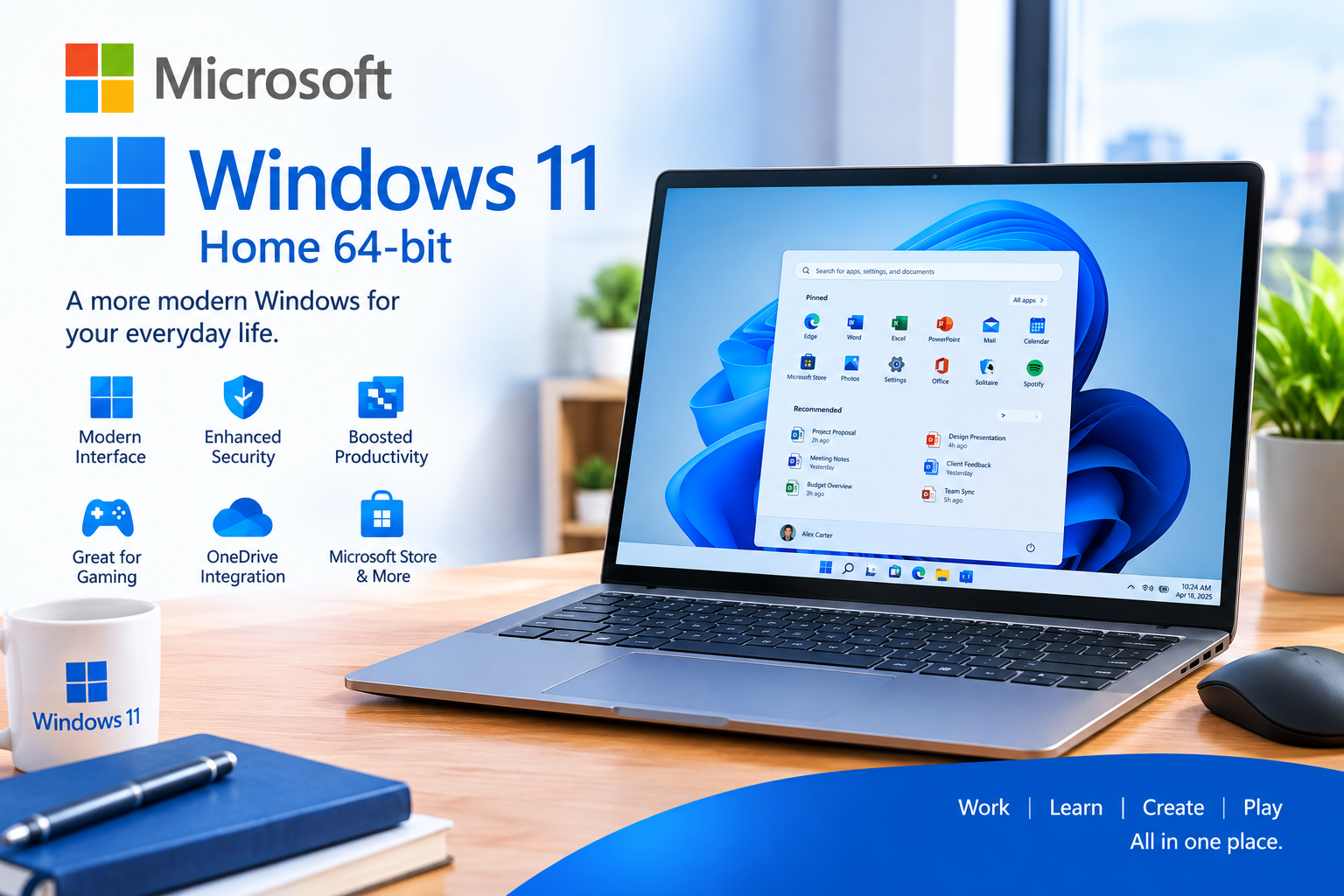
Microsoft Windows 11 Home provides a modern and intuitive computing environment for everyday use. It is designed to make working, studying, browsing, communicating, creating, and entertainment easier while providing built-in security features for compatible PCs.
Windows 11 introduces a refreshed desktop experience with modern navigation, improved window management, Snap layouts, updated system applications, integrated Microsoft services, and support for modern hardware and applications.
Windows 11 Home also supports modern security technologies including Secure Boot and TPM 2.0 on compatible devices.
Key Features & Capabilities
- Windows 11 Home edition
- 64-bit operating system
- Modern and redesigned Windows interface
- Improved Start menu and taskbar
- Snap Layouts for organizing multiple applications
- Multiple desktop support
- Built-in Windows Search
- Microsoft Edge browser
- Windows Security
- Microsoft Defender Antivirus
- Windows Firewall
- Secure Boot support
- TPM 2.0 security support
- Windows Hello support on compatible hardware
- Microsoft account integration
- Microsoft Store for applications and games
- OneDrive integration
- Support for modern PC applications
- Gaming and DirectX support
- Automatic Windows updates
- Accessibility features
- Bluetooth and Wi-Fi support on compatible hardware
- Touch and pen support on compatible devices
- Support for modern display technologies
- Built-in backup and recovery features
- AI-powered Windows experiences on compatible hardware
System Requirements
For a compatible Windows 11 Home installation, the PC must meet Microsoft's minimum requirements:
- Processor: 1 GHz or faster with 2 or more cores on a compatible 64-bit processor or System on a Chip (SoC)
- RAM: 4 GB minimum
- Storage: 64 GB or larger
- System Firmware: UEFI, Secure Boot capable
- TPM: TPM 2.0
- Graphics: DirectX 12 compatible with WDDM 2.0 driver
- Display: HD display greater than 9 inches diagonally
- Internet: Required for updates and certain features
- Microsoft Account: Required during initial setup of Windows 11 Home
Specific features may require additional hardware or software beyond the minimum requirements.
Integration & Technical Support
Cironet Technologies Limited can assist with Windows 11 Home deployment and setup, including:
- Windows installation
- Product activation
- Driver installation
- Windows Update configuration
- Microsoft account setup
- User account configuration
- Windows Security configuration
- Microsoft Defender setup
- Wi-Fi and network configuration
- Printer and peripheral setup
- Application installation
- OneDrive configuration
- Data transfer and basic migration
- System optimization
- Troubleshooting and technical support