Deployment: Enterprise Cloud Subscription
Users: Organizations of any size
Cloud Storage: 1–5+ TB per user, depending on eligibility and configuration
Collaboration: OneDrive, SharePoint, Microsoft 365 applications
Target Audience: Organizations requiring enterprise productivity, business email, Windows Enterprise, identity management, endpoint management, security, and compliance without Microsoft Teams.
Product Overview
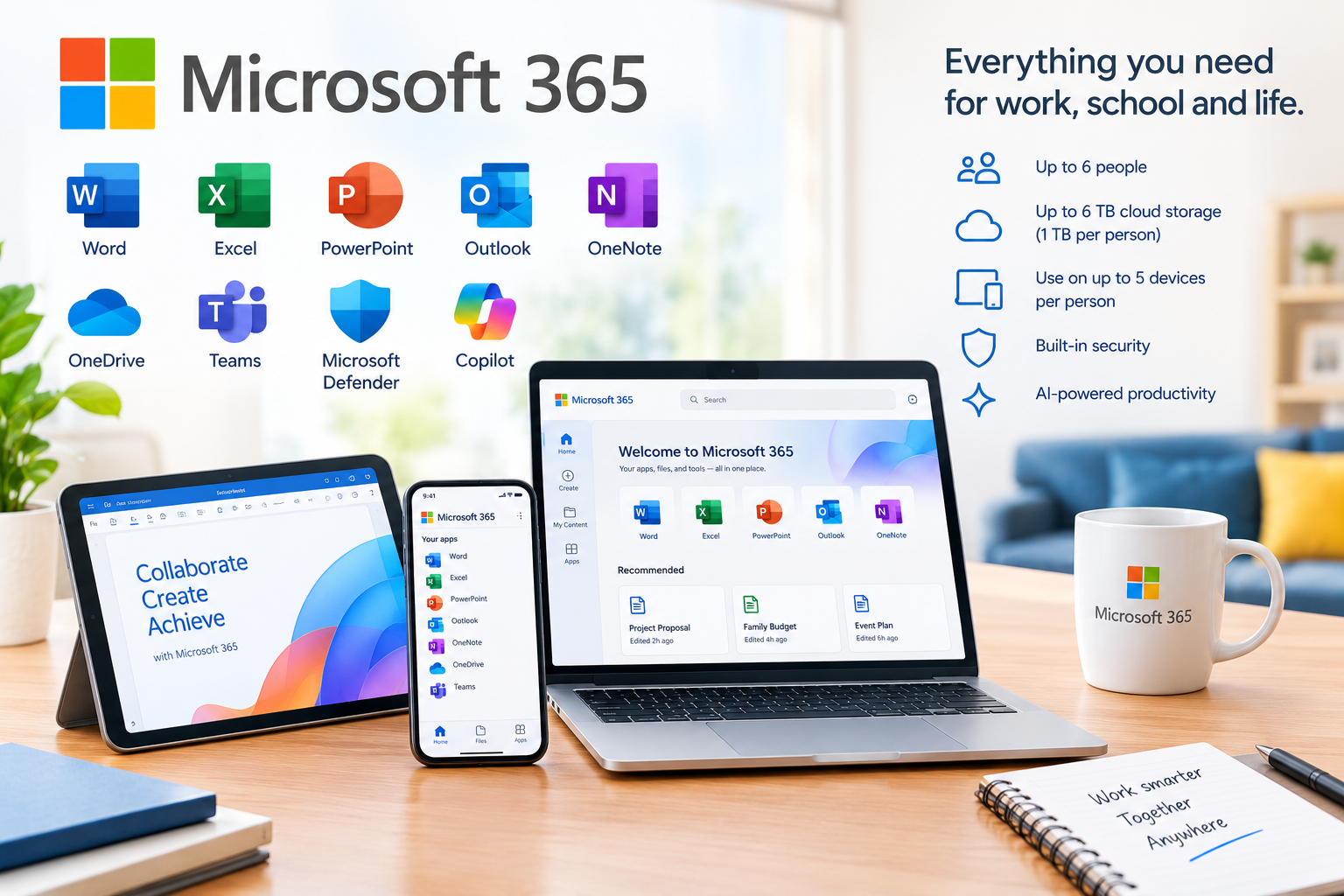
Microsoft 365 E3 (No Teams) combines enterprise productivity applications, cloud services, Windows Enterprise, identity management, security, device management, and compliance capabilities in one subscription.
Users receive desktop, web, and mobile versions of Word, Excel, PowerPoint, Outlook, OneNote, and other Microsoft 365 applications, together with Exchange Online business email, OneDrive, SharePoint, Planner, Forms, Lists, To Do, Loop, and other productivity tools.
The plan also provides enterprise capabilities for managing identities, devices, applications, information, and organizational data. Microsoft 365 E3 includes Windows Enterprise, Microsoft Entra ID, Microsoft Intune, Microsoft Purview capabilities, and enterprise security features.
Key Features & Capabilities
- Microsoft Word, Excel, PowerPoint and Outlook for enterprise productivity
- OneNote for digital note-taking and information organization
- Professional business email through Exchange Online
- 1–5+ TB cloud storage per user, depending on eligibility and configuration
- OneDrive for personal business cloud storage and file synchronization
- SharePoint Online Plan 2 for enterprise content management and team sites
- Windows Enterprise for enterprise desktop environments
- Microsoft Entra ID for identity and access management
- Microsoft Intune for endpoint and device management
- Microsoft Defender security capabilities
- Microsoft Purview for information protection, governance, and compliance
- Microsoft Planner for task and project management
- Microsoft Forms for surveys and data collection
- Microsoft Lists for structured business information
- Microsoft To Do for task management
- Microsoft Loop for collaborative workspaces
- Microsoft Clipchamp for web-based video editing
- Email phishing and ransomware protection
- Intelligent detection and control of sensitive information
- Data Loss Prevention capabilities
- eDiscovery and compliance capabilities
- Information governance and retention capabilities
- Advanced identity and access management
- Endpoint and application management
- Desktop, web, and mobile application access
- Microsoft 365 Copilot Chat capabilities
- Microsoft Teams is not included in this edition.
Integration & Technical Support
Cironet Technologies Limited can assist with Microsoft 365 E3 (No Teams) deployment and configuration, including:
- Microsoft 365 enterprise tenant setup
- User and license provisioning
- Custom domain configuration
- DNS and MX record configuration
- Exchange Online email setup
- OneDrive and SharePoint setup
- Microsoft Entra ID configuration
- Microsoft Intune deployment
- Windows Enterprise configuration
- Microsoft Defender security configuration
- Microsoft Purview configuration
- Security and MFA policies
- Data migration
- User and group management
- Enterprise application installation
- Compliance and retention configuration
- Security policy configuration
- Troubleshooting and ongoing technical support