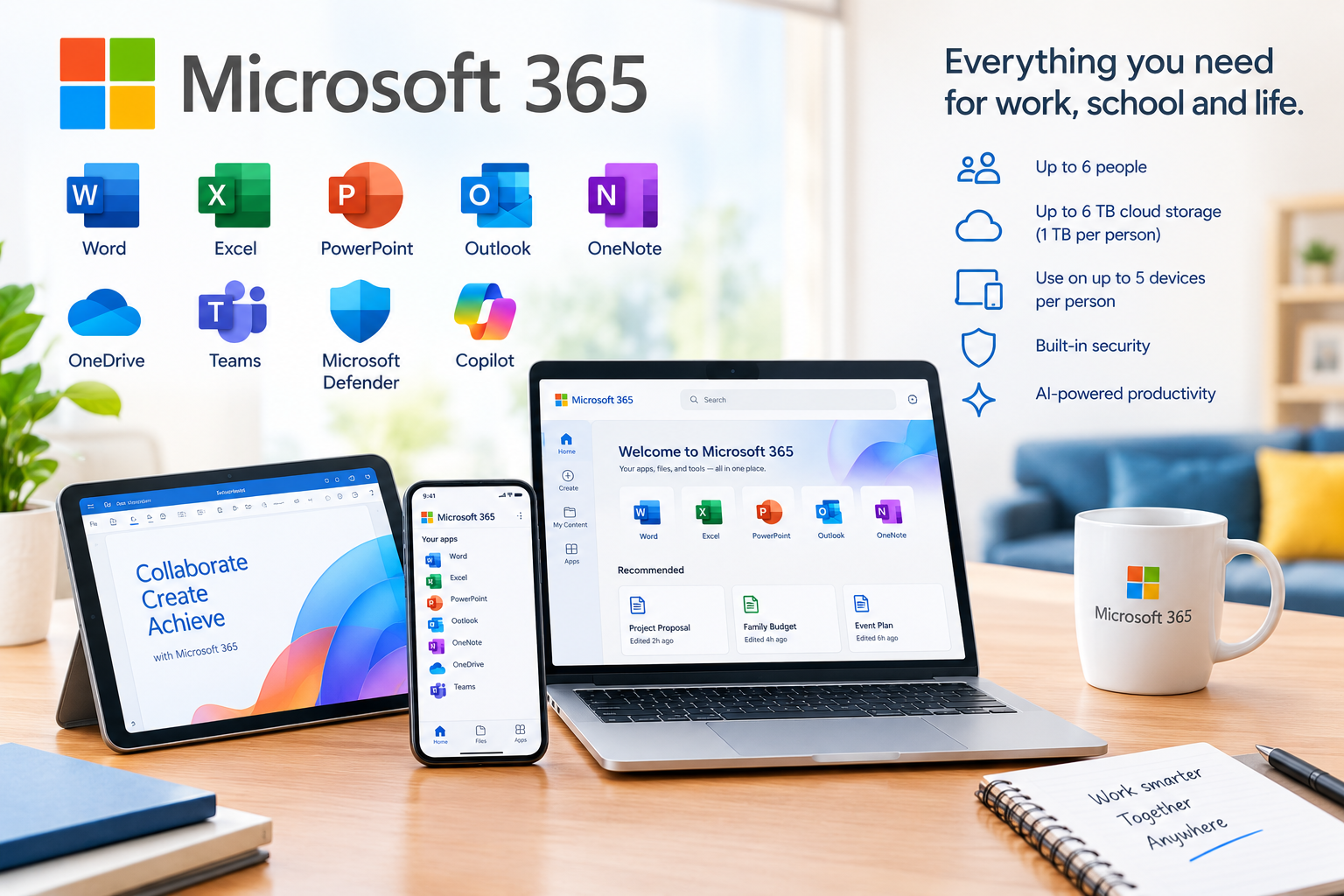
Deployment: Cloud Subscription
Users: 1–6 people
Cloud Storage: Up to 6 TB total 1 TB per person
Device Access: Up to 5 devices simultaneously per person
Target Audience: Families, students, home users, remote workers, freelancers, and households requiring productivity software, cloud storage, communication, and digital security.
Product Overview
Microsoft 365 Family provides a complete set of productivity and digital services for up to six people under one subscription.
Each person can use Microsoft 365 on PCs, Macs, phones, and tablets, with up to 5 devices in use simultaneously. Each person receives their own 1 TB of secure OneDrive cloud storage, providing up to 6 TB of storage across the subscription.
The subscription includes premium desktop applications such as Word, Excel, PowerPoint, Outlook, and OneNote, together with Microsoft Copilot, Microsoft Defender, OneDrive, and Microsoft Teams.
Key Features & Capabilities
- Up to 6 People: Share the subscription with up to five additional people, for a total of up to six users.
- 1 TB OneDrive per Person: Each person receives 1 TB of secure cloud storage, providing up to 6 TB across the Family subscription.
- Microsoft Word: Create, edit, format, and collaborate on professional documents.
- Microsoft Excel: Create spreadsheets, analyze information, manage budgets, and work with data.
- Microsoft PowerPoint: Design presentations, slideshows, and visual reports.
- Microsoft Outlook: Manage email, calendars, contacts, and tasks from one application.
- Microsoft OneNote: Create digital notebooks for notes, planning, study, and organization.
- Microsoft Copilot: Use AI assistance across supported Microsoft 365 applications and services. Current Family subscriptions provide AI features to the subscription owner.
- Microsoft OneDrive: Securely store, synchronize, access, edit, and share files and photos across devices.
- Microsoft Defender: Provides security features designed to help protect identities, personal data, and devices.
- Microsoft Teams: Communicate through chat, calls, meetings, and collaboration tools.
- Multi-Device Support: Use Microsoft 365 across PCs, Macs, smartphones, and tablets.
- Up to 5 Devices Simultaneously: Each person can use their Microsoft 365 subscription on up to five devices at the same time.
- Ransomware Protection: OneDrive includes ransomware protection for supported files and photos.
- Premium Desktop Applications: Install the full desktop versions of supported Microsoft 365 applications.
- Automatic Updates: Receive ongoing updates and improvements to the Microsoft 365 applications.
- Cloud File Synchronization: Keep files synchronized across supported devices through OneDrive.
- Online & Offline Productivity: Installed Office applications can be used offline, with periodic internet connection required for subscription verification and updates.
- Ongoing Technical Support: Microsoft provides ongoing support for Microsoft 365 Family subscribers.
Integration & Technical Support
We don't just provide the Microsoft 365 Family subscription, we can also assist with setup and configuration.
Our technical team can assist with:
- Microsoft account setup
- Subscription activation
- Microsoft 365 application installation
- OneDrive configuration
- Family subscription sharing
- Device setup
- Microsoft Office application configuration
- Outlook email and calendar setup
- Microsoft Teams setup
- Microsoft Defender installation
- File synchronization and backup configuration
- Account and device troubleshooting
Microsoft provides official setup instructions for installing Microsoft 365 applications on Windows, Mac, iPhone, iPad, and Android devices.